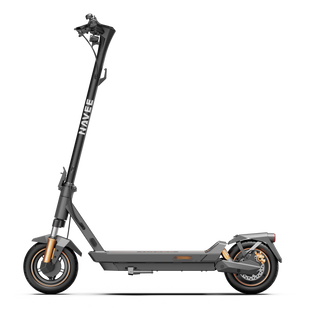
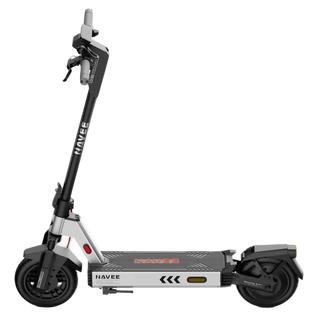
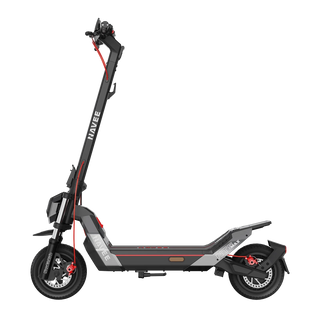
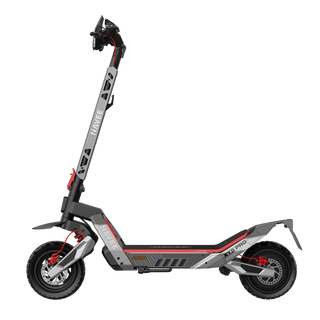
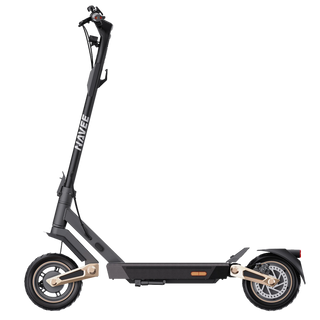
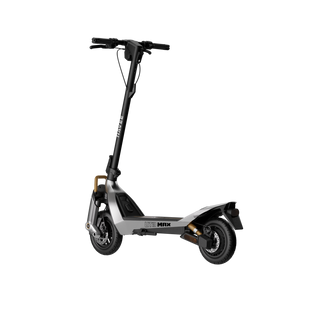
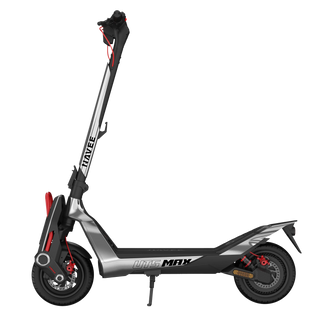
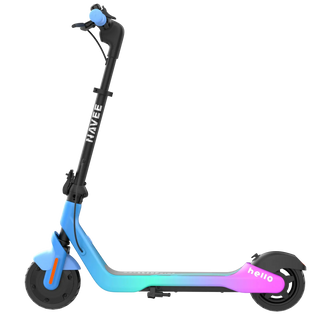
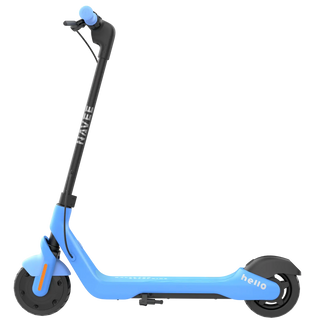
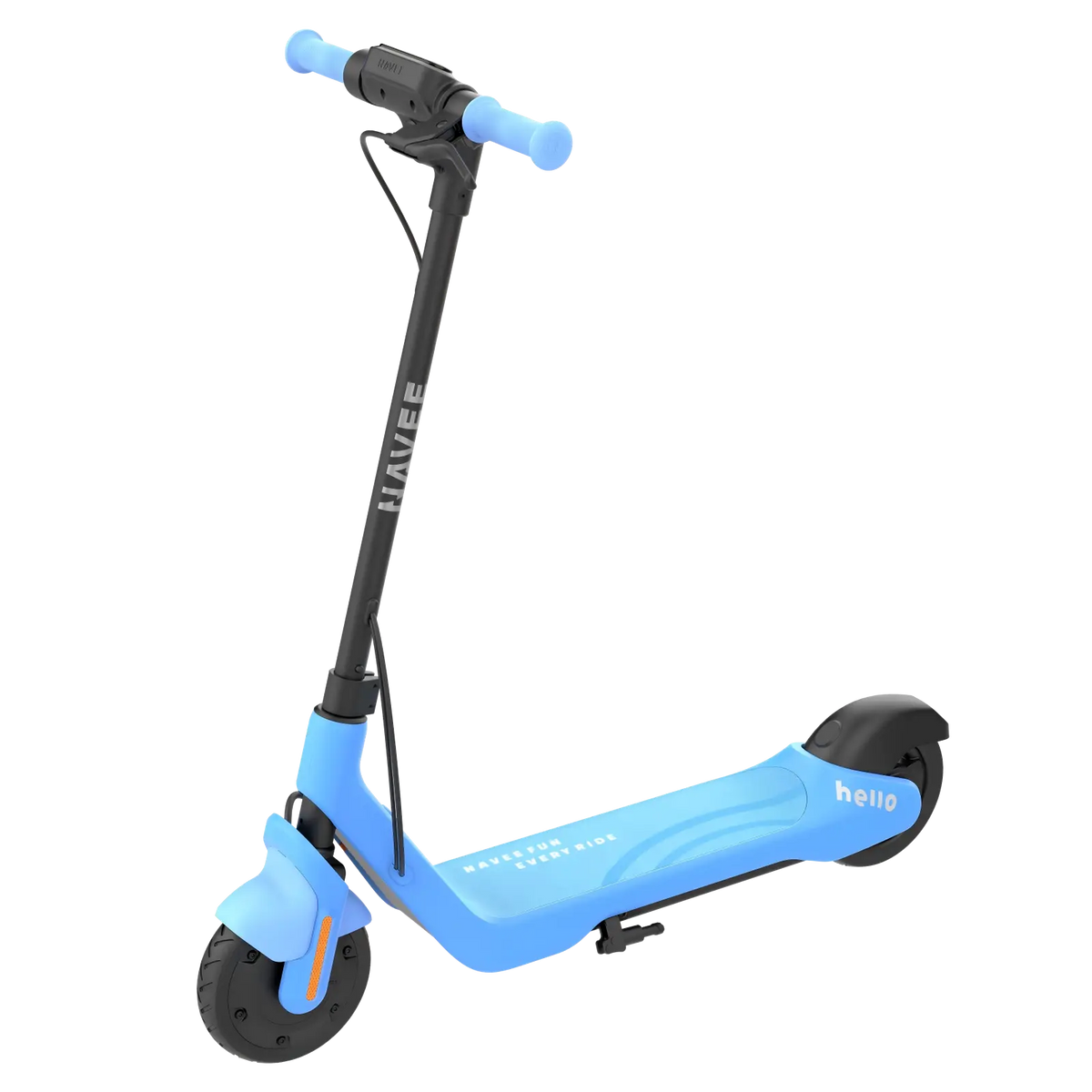
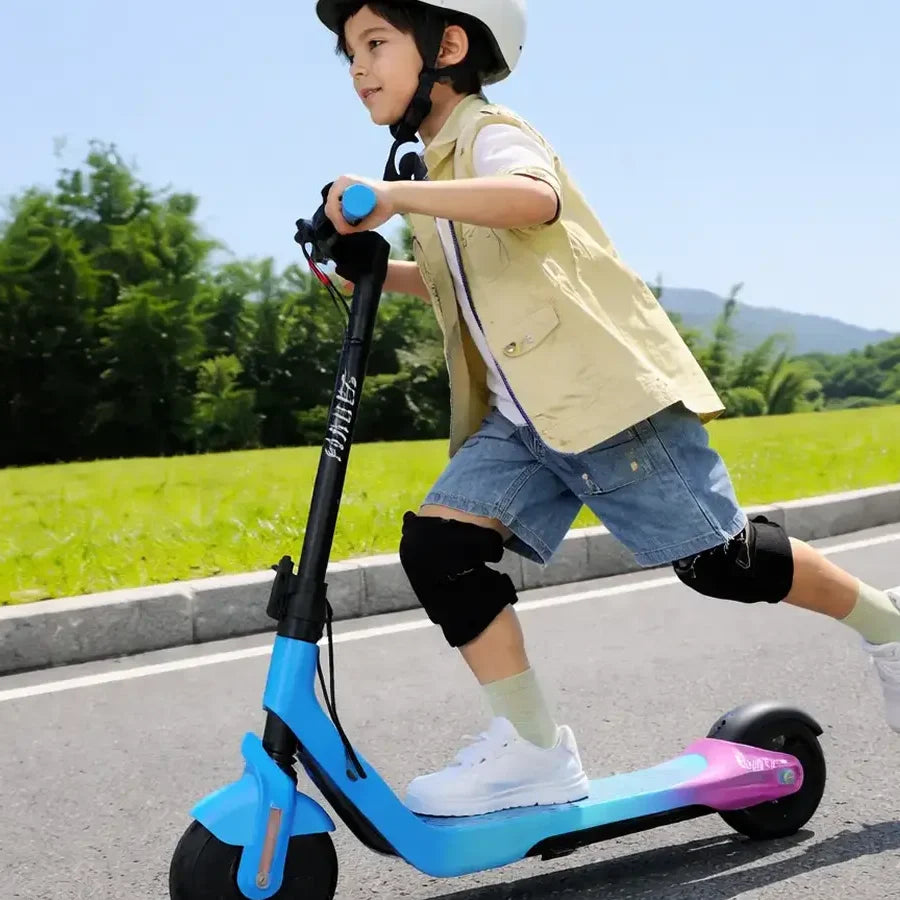


NAVEE K100 e-scooter for kids and teens. Adjustable handlebar, foldable design and speed limiting via the app.
Vergelijkbare producten

Smart safety settings
With the NAVEE app, parents can set the speed limit based on their child's age and skill level. Ride history and real-time data provide insights into each ride, while children stay motivated by a virtual pet that grows and unlocks surprises as they ride more safely.
First, place one foot on the footboard, push off with your other foot, and then place it on the footboard as well. Maintain your balance and lightly press the accelerator to speed up. It is recommended to ride at a constant speed and avoid sudden acceleration or braking. Please note: the e-scooter will only set off if it is in glide mode and travelling at a minimum speed of 5 km/h.
The NAVEE V series e-scooters are suitable for persons aged between 16 and 50 years old, with a height of 1.20 m to 2 m. The maximum load capacity is 120 kg. Do not ride if you have consumed alcohol or taken medication that may affect your judgment.
Press the power button twice in quick succession to switch between riding modes. The maximum speed in pedestrian mode is 6 km/h, the maximum speed in standard mode (D) is 20 km/h, and the maximum speed in sport mode (S) is 25 km/h. Do not switch riding modes while driving. Please note: due to country-specific regulations, the maximum speed of modes D and S may differ from what is described above. For more information, please refer to the locally applicable laws and regulations.
Each model has its own range, which can be found in the user manual of the respective model. The average range is measured under the following conditions: fully charged battery, no wind, temperature of 25 °C, constant speed of 15 km/h on a flat road, and a load of 75 kg. The actual range may vary depending on the load, ambient temperature, wind speed, road surface, tyre pressure, battery life, riding mode, and riding behaviour (sudden acceleration/braking), etc.
The unique QR code of the vehicle is required to connect to the NAVEE App. You can retrieve this QR code as follows: after connecting to the App, go to the App's home screen/main screen: [More functions], [Settings], [Vehicle QR code], display QR code and save screenshot. The vehicle's QR code can be found here: on the sticker on the back of the dashboard, on the right side of the footplate and on the back of the instruction manual.
Once you have activated the locking function in the NAVEE app, the vehicle will enter the "motor lock" status and automatically switch off after 24 hours. The motor will remain locked when the scooter is switched on again. If the vehicle is pushed while in the locked state, an alarm sound will be emitted via the dashboard and the scooter's control buttons will be disabled. This function cannot prevent theft, so please pay close attention to your vehicle. When using the locking function, the scooter's battery consumption will continue. Therefore, only use this function when necessary.
When the headlamp is turned on, the brightness of the dashboard display will decrease. When the headlamp is turned off, the brightness of the dashboard display will return to the original brightness.
When the temperature symbol on the dashboard flashes, it means the battery temperature is too high or too low. In that case, the scooter's acceleration decreases, making it potentially unable to drive or charge. Only when the operating temperature is back within the normal range should the scooter be used or charged again.